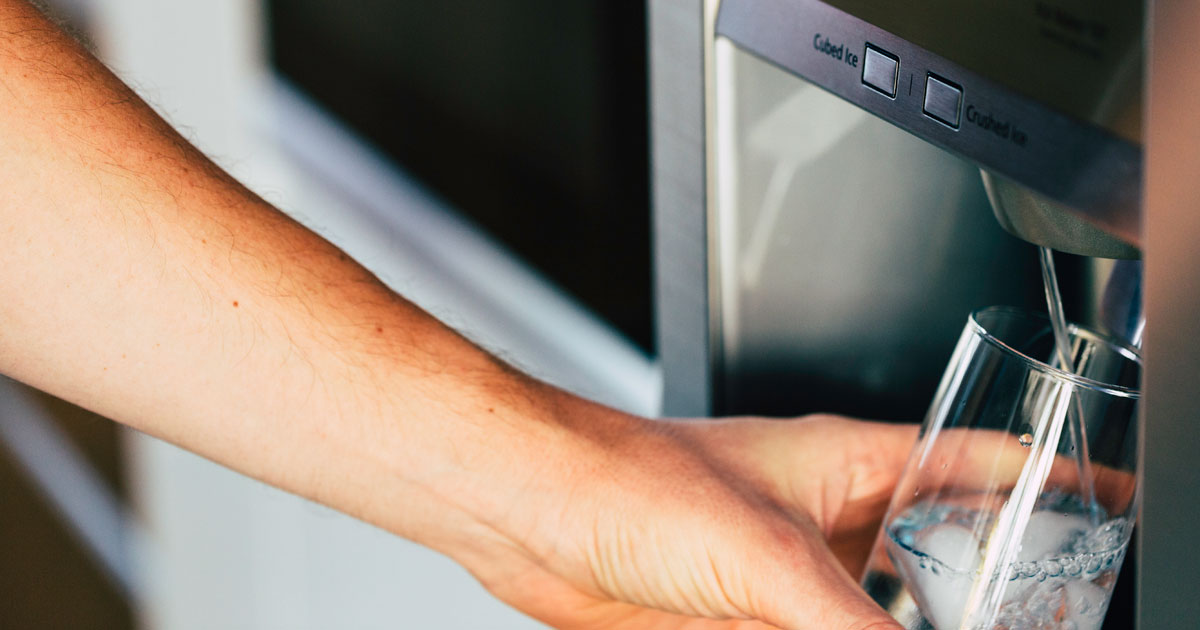
How to Reset the Water Filter on a Samsung Refrigerator
 Andrew
May 08, 2026
#fridgefilter
#how-to
#refrigeratorfilter
#refrigeratorwaterfilter
#samsung
Andrew
May 08, 2026
#fridgefilter
#how-to
#refrigeratorfilter
#refrigeratorwaterfilter
#samsung
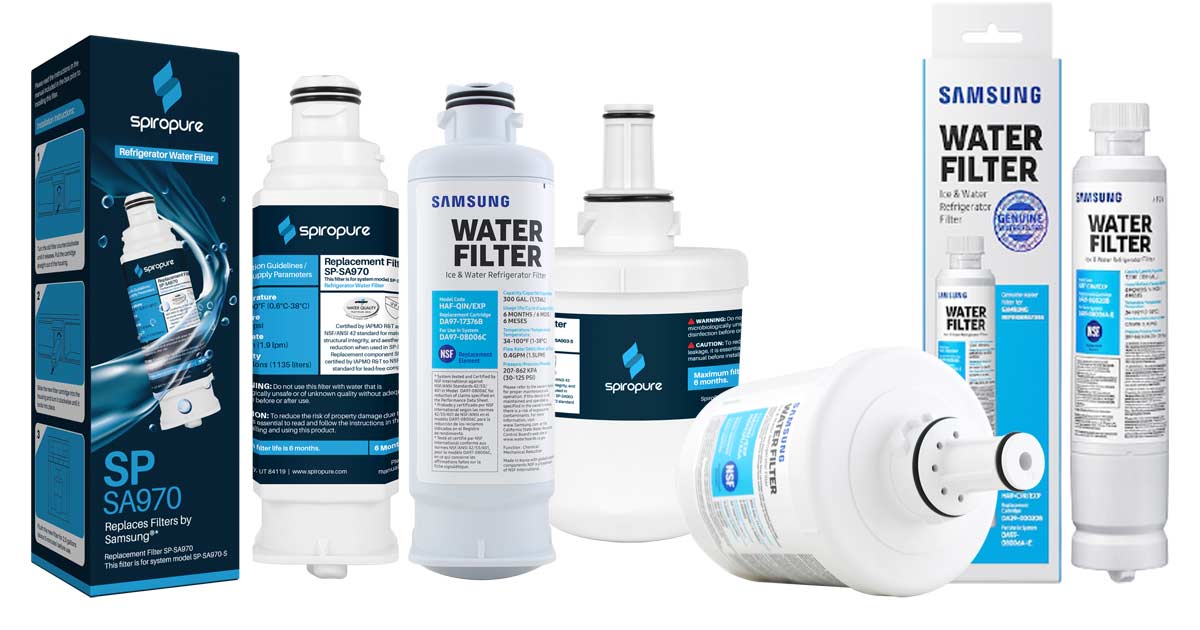
- Always reset your Samsung refrigerator's filter indicator after every replacement to keep your six-month reminder accurate.
- The reset button is typically found on the door control panel. Simply touch or press and hold for 3–5 seconds until the indicator light changes.
- If the reset doesn't work, check that the filter is fully seated, the child lock is disabled, and the replacement filter matches your model exactly.
Step-by-Step Guide on How to Reset Your Samsung Refrigerator Water Filter
Before starting, confirm you've already installed a fresh replacement filter. Resetting the indicator without replacing the filter clears the reminder but doesn't restore filtration performance. We've heard from customers who hadn't changed their filter in years and discovered mold forming in the lines. Once the new filter is seated, follow these steps to reset your Samsung refrigerator filter indicator.
Step 1: Locate the Reset Button on Your Samsung Fridge
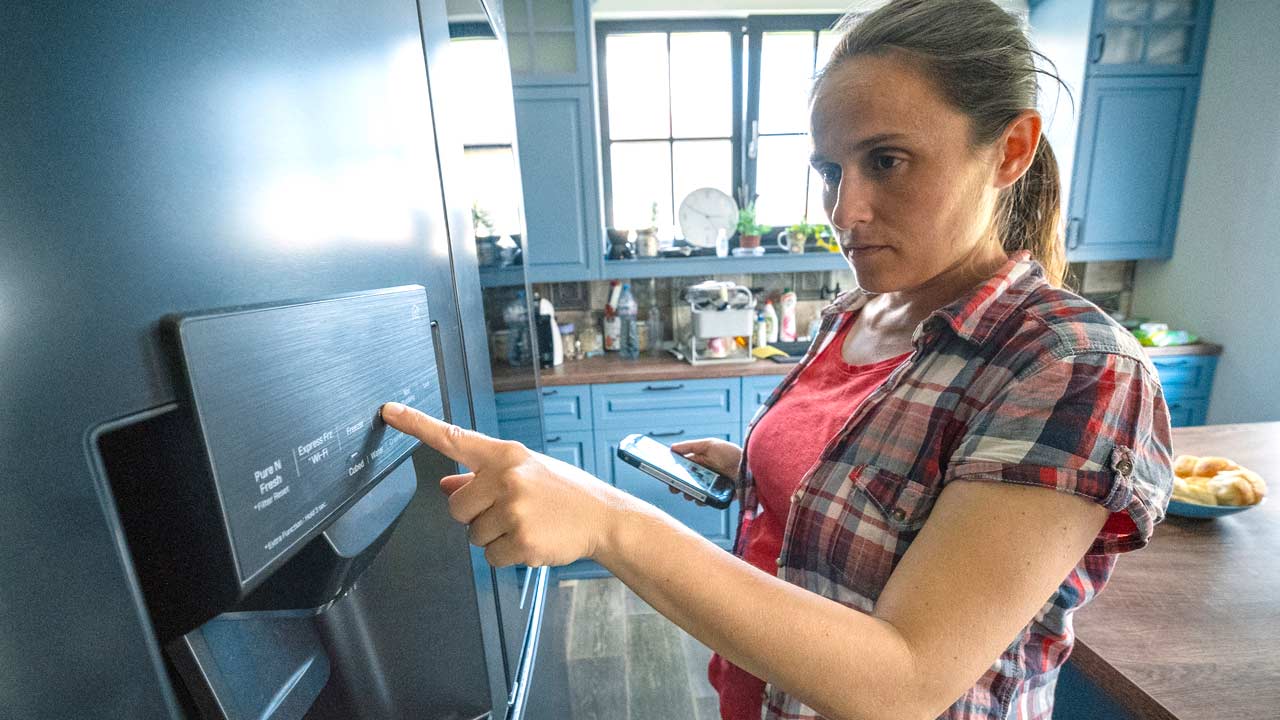
The reset button or touchscreen display location varies by model. On most Samsung French door and side-by-side refrigerators, the filter reset button appears on the control panel on the door. Look for a button labeled "Filter," "Water Filter," or "Ice/Water." There may be a grid and water droplet symbol. On some Samsung models, the reset function is accessed by pressing and holding a combination of buttons such as "Ice Type" and "Child Lock." If you don't see a dedicated button, check your model's user manual or Samsung's support site for model-specific instructions.
Step 2: Press and Hold the Reset Button
Press and hold the filter reset button for approximately 3–5 seconds. On most Samsung models, the filter indicator light will shift from red or orange back to blue or green, or the indicator display will return to "Good." Some models produce a chime to confirm the reset. If nothing changes after 5 seconds, release and try again. Some panels require a firm, sustained press rather than a tap.
Step 3: Verify the Reset
After releasing the button, confirm the indicator has returned to its baseline state. The light should no longer show red or orange, and any "Replace Filter" text on digital displays should clear. Run a glass of water through the dispenser as a final check the results. If the water flow is normal and the display reads correctly, the reset was successful. Make a note of the replacement date so you have a backup reference independent of the indicator.
Troubleshooting Tips for Resetting the Water Filter
If resetting the water filter on your Samsung fridge doesn't work on the first attempt, a few common issues may be preventing a successful reset.
The indicator light returns immediately after reset. This usually means the filter isn't fully seated. Remove the filter, check that the O-ring is properly positioned, and reinstall. Depending on the model, twist or push until you feel it click into place. Then attempt the reset again.
The reset button is unresponsive. No need for CPR; some Samsung models lock the control panel when the child lock feature is active. Check whether the child lock is engaged and disable it before attempting the reset. The child lock is typically deactivated by pressing and holding its designated button for 3 seconds. Don't forget to reactivate if you have button-happy children who might discover the joy of liberating all your ice.
The indicator resets but returns within days. This can occur if the wrong replacement filter was installed. Verify that the filter model matches your refrigerator's specifications exactly. Using an incompatible filter (even one that physically fits) can trigger the sensor prematurely. All Filters carries a full selection of water filters for Samsung refrigerators organized by model number to help confirm the right fit.
No reset button exists on your model. A small number of older Samsung models don't have a dedicated filter indicator reset. On these units, the light resets automatically after a set volume of water passes through the new filter. Running several gallons through the dispenser after installation should clear the indicator without a manual reset.
Keeping your Samsung refrigerator's water filter on schedule and resetting the indicator every time you replace it is a simple step to ensuring your household is accessing clean, properly filtered water and that your replacement reminders stay accurate.
Samsung DA29-00003F Refrigerator Water Filter
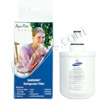
Samsung Aqua-Pure Plus DA29-00003B Refrigerator Water Filter
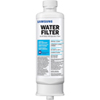
Samsung DA97-17376B / HAF-QIN Ice and Water Refrigerator Filter
How to Reset the Water Filter on a Samsung Refrigerator
Why does the water filter light keep coming on after resetting on my Samsung refrigerator?
How often should I reset the water filter on my Samsung refrigerator?
Can I reset the water filter light on my Samsung fridge without replacing the filter?
Is it necessary to reset the water filter indicator after replacing it on a Samsung refrigerator?
How long does a Samsung refrigerator water filter last?
RELATED PRODUCTS

Refrigerator Water Filters
Full line of filters available, including Whirlpool, LG, Samsung, Kenmore, Frigidaire, and more!
Drink Purer, Healthier Water!
Super Value Packs Available
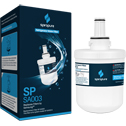
SpiroPure SP-SA003 Samsung DA29-00003G Compatible Refrigerator Water Filter
List Price: $25.90
Our Price: $12.95
Save: $12.95
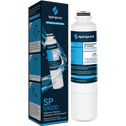
SpiroPure SP-SA020 Samsung DA29-00020B Compatible Refrigerator Water Filter
List Price: $25.90
Our Price: $12.95
Save: $12.95