How to Replace a GE Refrigerator Water Filter
 Andrew
October 26, 2026
#fridgefilter
#GE
#how-to
#refrigeratorwaterfilter
#replacementfilters
- Turn the old filter counterclockwise or swing it out, depending on type, then reverse the motion to lock in the new one.
- GE says you typically don't need to shut off the water.
- Flush about 3 minutes (roughly a gallon and a half of water) then reset the indicator if your model has a manual reset. RFID models update automatically.
- If a filter won't come out, don't force it. Pushing in on the dispenser can release trapped air before you call service.

GE XWFE / XWF Refrigerator Water Filter

GE RPWFE / RPWF Refrigerator Water Filter

GE XWFE Bypass Filter Plug WR17X33825
How to Change a Water Filter on a GE Refrigerator Step by Step
Quick answer: Once you locate the filter, it's usually a counterclockwise twist or a gentle tug, reversing that motion with the new replacement filter. GE materials state you typically don't need to shut off the water supply first. Flush the new filter, then reset the filter light if your model has a manual reset.
Exact steps, however, depend on your filter type, so check the instructions on the new filter's label or packaging.
Step 1: Locate and Open the Filter Compartment
GE refrigerators vary. The cartridge is often in the back upper right corner of the fresh food compartment, but some sit in the upper left corner or inside the left door. Built-in side-by-side models hide it behind a top access panel. If there's a cartridge cover, press the tab at the front and pull it down. On RPWFE models, open the filter door.
Step 2: Remove the Old GE Refrigerator Water Filter
Put a towel under the filter, since a little water may drip. GE says the water supply does not need to be turned off. For MWF and XWF/XWFE cartridges, turn slowly counterclockwise until it stops while gently pulling down. On RPWFE models, swing the cartridge out by its bottom. With the blue holder, give it a quarter turn counterclockwise, then pull it out. With the grey holder, pull gently to unseat it. Go slowly, because trapped air can make the cartridge eject.
Step 3: Install the New GE Water Filter
Remove the protective cap, foil, or packaging. GE advises filling the top of a new MWF, XWF, or XWFE filter with tap water before installing. Line up the arrow on the cartridge with the arrow on the holder, push gently, then turn clockwise until it stops and clicks. On RPWFE models, align FRONT as shown on your holder, push the cartridge fully in, and swing it closed. No red indicators should be visible. Don't overtighten or force it. If it won't fit, confirm you have the right filter for your refrigerator.
Step 4: Flush the New Refrigerator Water Filter
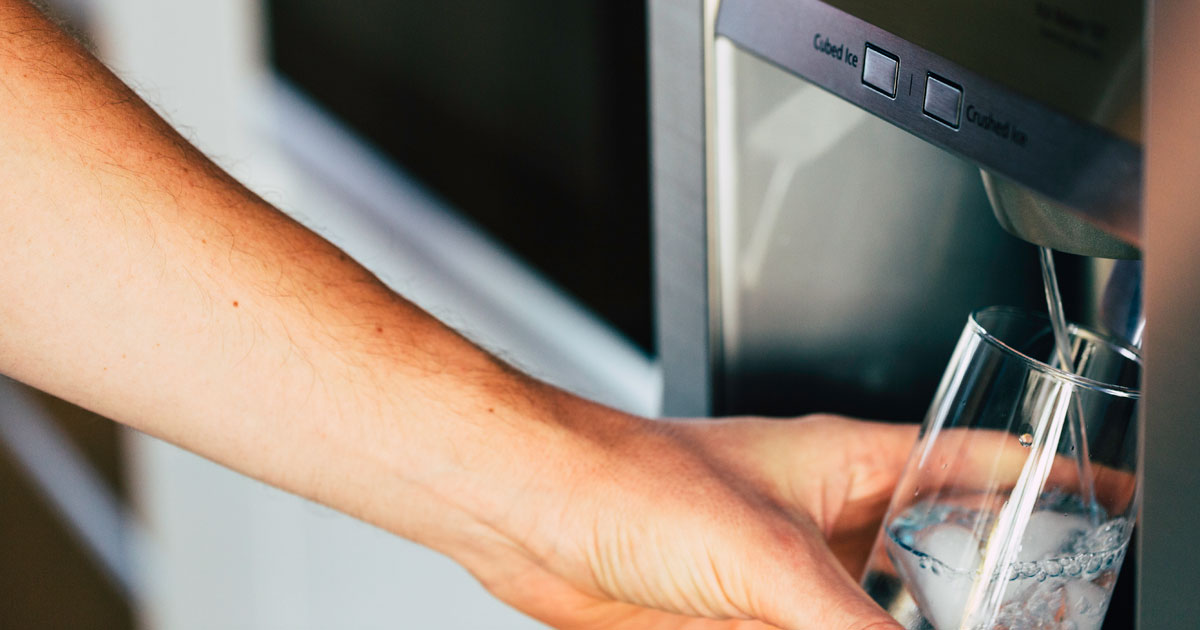
Flushing clears trapped air and loose carbon particles from the new cartridge and stops the sputtering. Press the Water pad and dispense about 3 minutes of water, roughly 1½ gallons, into a pitcher or large container. Some sputtering is normal at first. If your model has no dispenser, discard the first few batches of ice.
Step 5: Check and Reset the Water Filter Indicator
On models with a manual reset, press and hold the RESET WATER FILTER pad for about 3 seconds until the light goes off or turns green. Release too soon and it stays on. Hold too long and it may turn off, then back on. Refrigerators with RFID filters, such as XWFE and RPWFE, recognize a new genuine filter automatically, and GE says touch screen models have no manual reset. The light is often a timer, so a power outage can reset it early. Our guide to resetting the filter light on a GE refrigerator covers the details.
What to Do if Your GE Refrigerator Water Filter Will Not Come Out
Now, what if your GE refrigerator water filter won't come out? Don't stress, and skip the rubber mallet. Try this:
- Relieve trapped air. GE's filter replacement guide says to push in on the water dispenser so the filter drops out.
- Recheck the release motion for your filter type. RPWFE holders swing out first.
- Add grip with a dry towel or rubber grip, then gently jiggle.
- Never pry or use sharp objects, which can crack the plastic housing.
- If a new bottom-freezer RPWFE won't seat, GE says misaligned housing parts may be the cause. Nudge them into line with a round object like a wooden spoon handle.
- Still jammed, or the housing looks cracked or damaged? Stop and contact GE support or service rather than forcing it.
How to Find the Right GE Refrigerator Filter Replacement
Don't choose a filter by appearance. You're not swiping right on a dating app here. You actually need the perfect fit for this to work. GE separates its instructions by filter type, and the series or families aren't interchangeable: MWF/MWFP/MWFA, XWF/XWFE, RPWFE, and the older GSWF and MSWF. Not sure which you have? Look for the type printed on your current cartridge or check your owner's manual, and match the part number or your refrigerator's model number before buying. XWFE and RPWFE filters carry an RFID chip, and GE says a missing, wrong, or non-GE filter can make the refrigerator shut off water and ice. An XWFE fits older XWF refrigerators, but an XWF won't work in models built for the XWFE. Ready to shop?
Browse our selection of GE refrigerator water filter options and confirm RFID details on the product page for your model.
If you have a chip-enabled GE refrigerator water filter, you generally need to replace it with a genuine GE filter. While compatible alternatives exist, they very by model and efficacy. You can also browse non-chip-enabled GE compatible refrigerator filters by SpiroPure at the link above.FAQs on How to Replace a GE Refrigerator Water Filter
Do I need to turn off the water before changing a GE refrigerator filter?
How do I reset my GE refrigerator water filter warning?
Why can't I get my water filter out of my GE refrigerator?
Where is the water filter located on a GE refrigerator?
How do I remove a GE refrigerator water filter?
RELATED PRODUCTS
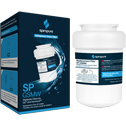
SpiroPure SP-GSMW GE MWF / MWFP Compatible Refrigerator Water Filter
List Price: $25.90
Our Price: $12.95
Save: $12.95

SpiroPure SP-GSMS GE MSWF Refrigerator Water Filter Replacement
List Price: $25.90
Our Price: $12.95
Save: $12.95